 MobA11y
N-ARIA: Native Mobile Accessibility, part 6 of 9
Five Fixes for Large Text
When a list breaks at large text, pick the fix that keeps the most meaning in the least space.
| Fix | What changes | Best when |
|---|---|---|
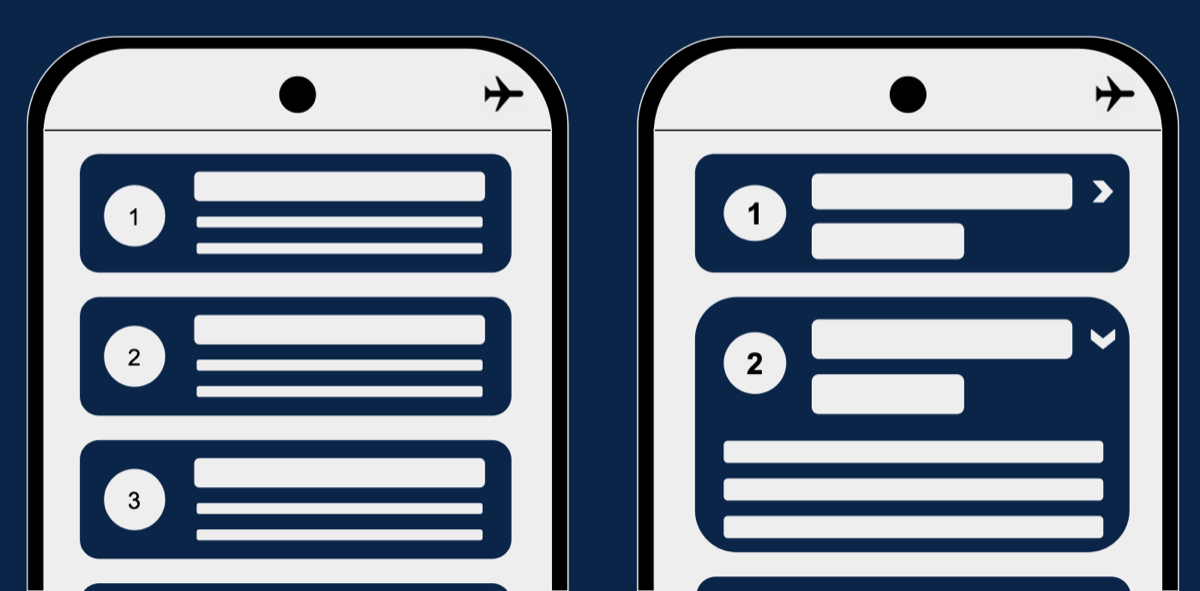
| Expand and collapse | Each row shows its title; the detail opens in place | People scan titles and need detail for one or two |
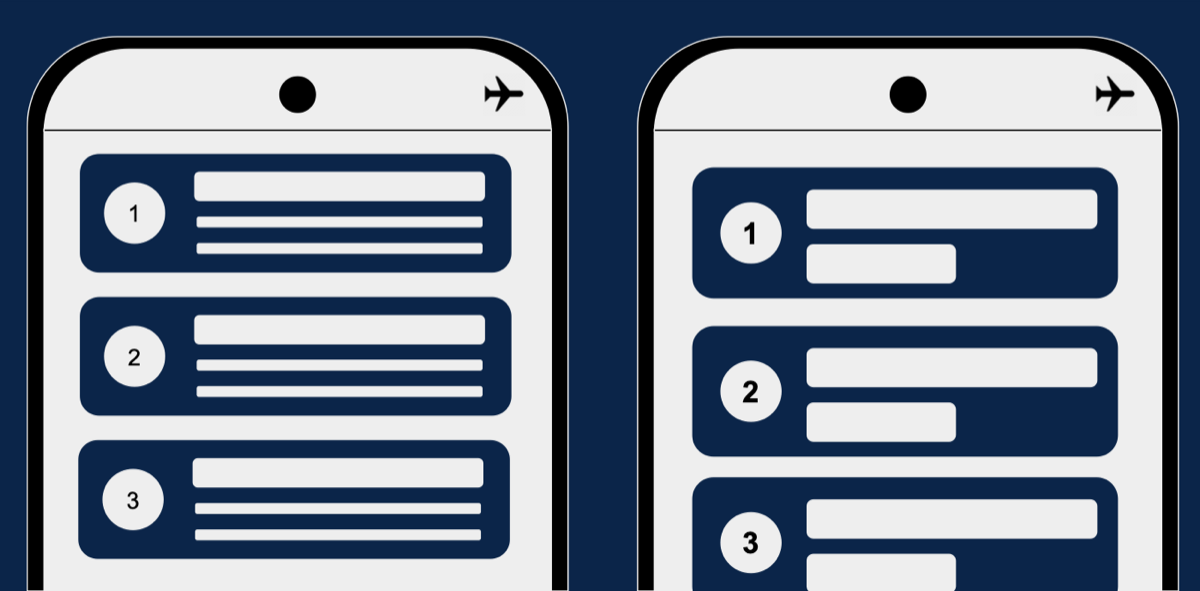
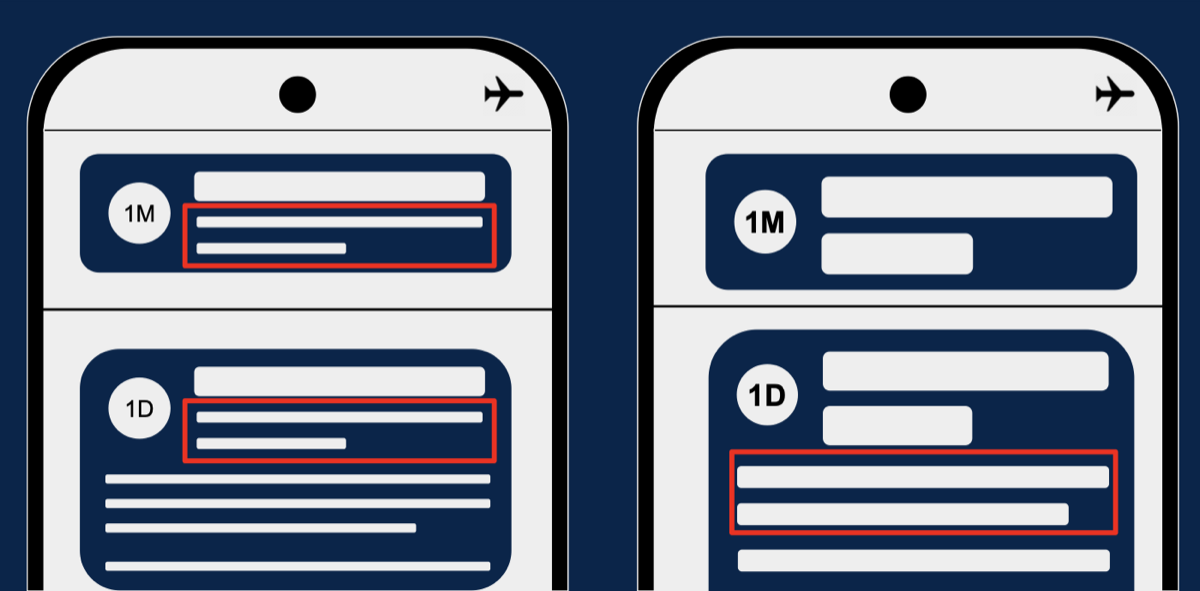
| Remove the subtitle | Rows keep a title and one short line | The subtitle repeats what the title says |
| New layout | A grid of cards becomes one full-width column | The screen was built for side by side |
| Master to detail | The long text moves to a detail screen | Each item has a lot to say |
| Keep It Simple | One line and a chevron per row; everything else on the detail screen | You can design it this way from the start |

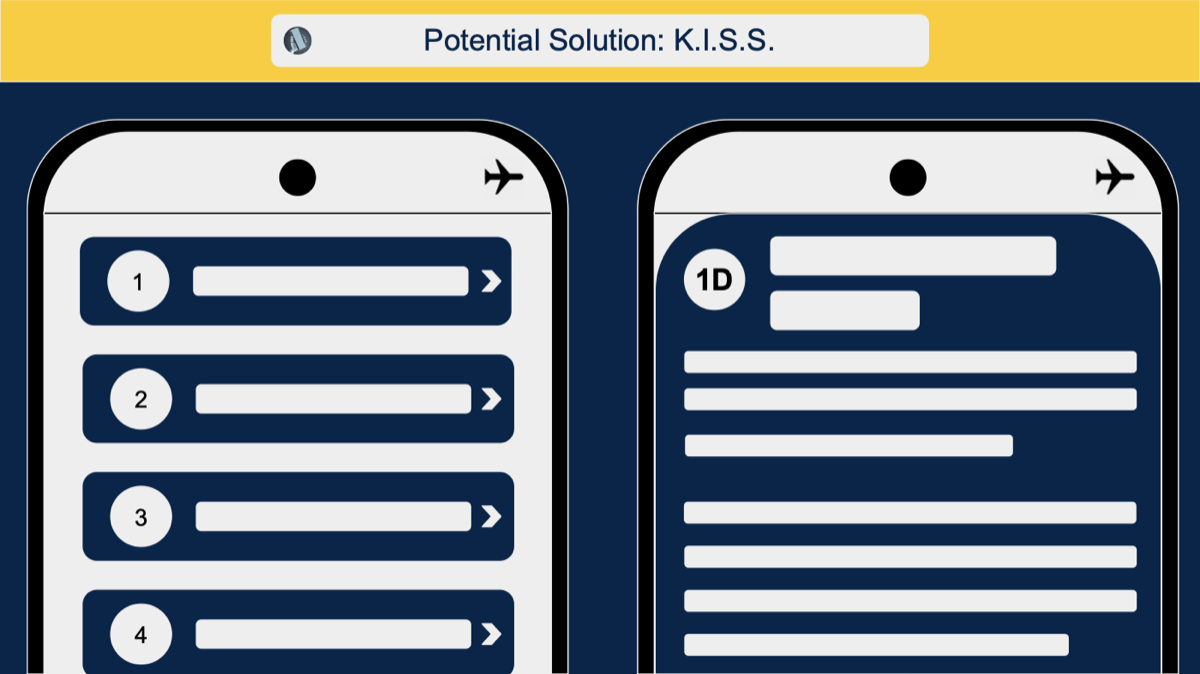
The last one is the one I reach for first. A list that's simple at the default size has very little left to break at the largest.