 MobA11y
N-ARIA: Native Mobile Accessibility, part 7 of 9
Notifications: Announcements, Labels and Roles
A screen can tell sighted people something that a screen reader never hears. Three common ways it happens:
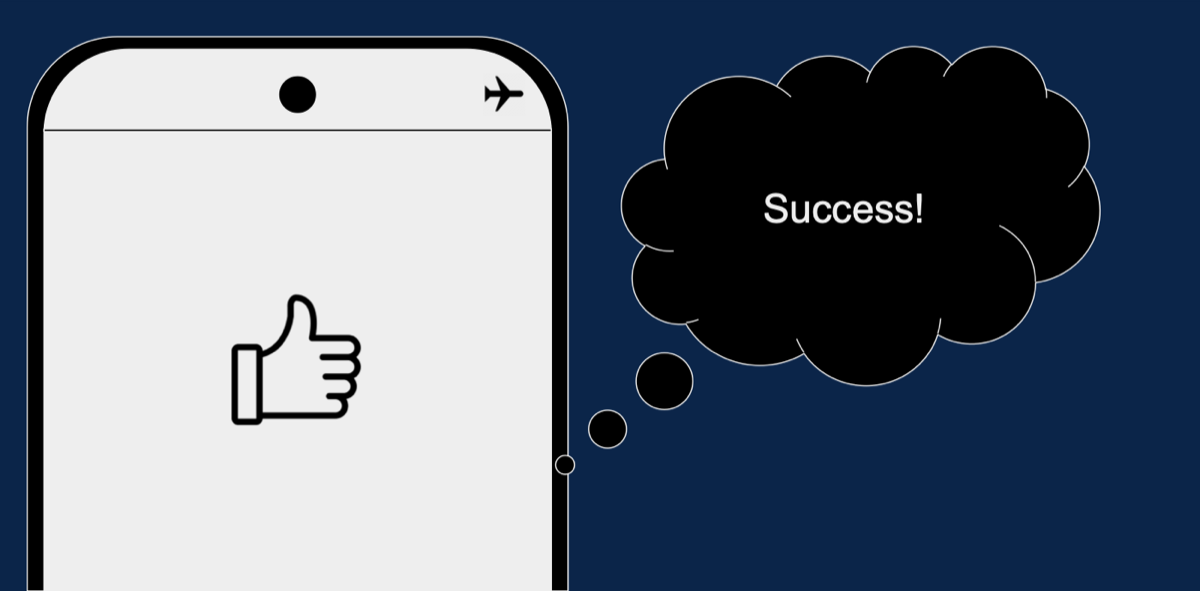
- Success shown only as a picture: a thumbs-up appears and everyone who can see it thinks "Success!". A VoiceOver or TalkBack user hears nothing. Announce it:
UIAccessibility.post(notification: .announcement, argument: "Saved")on iOS, a live region on Android (accessibilityLiveRegion, orliveRegionin Compose semantics). - Icons with no names: a chain link, a globe and a compass mean something to the designer. Read aloud they're "button, button, button". Give each an
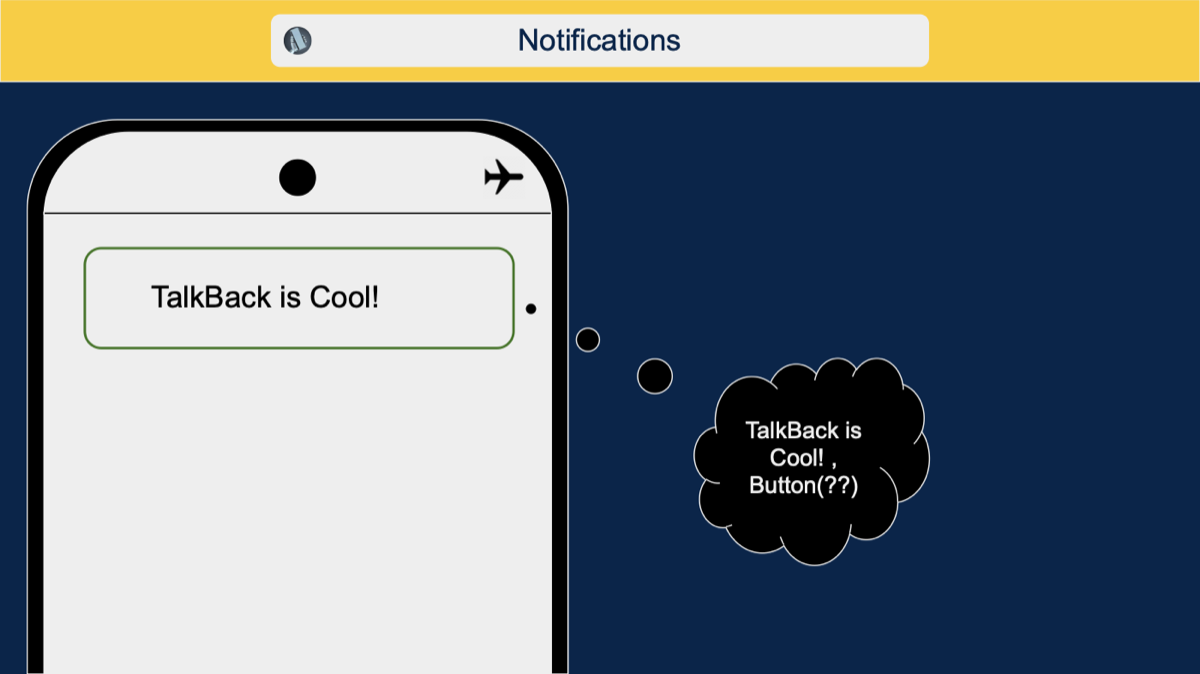
accessibilityLabelon iOS or acontentDescriptionon Android. - The wrong role: text that reads "TalkBack is Cool!, Button" makes people try to tap something that does nothing. The role comes from
accessibilityTraitson iOS and the node's class name, orRolein Compose, on Android. Plain text shouldn't claim to be a button.

All three are N-ARIA's basics: a name, a role, and telling people when something changes.