 MobA11y
N-ARIA: Native Mobile Accessibility, part 5 of 9
Large Text Breaks Layouts
Turn the system text size all the way up and most apps fall apart in one of three ways.
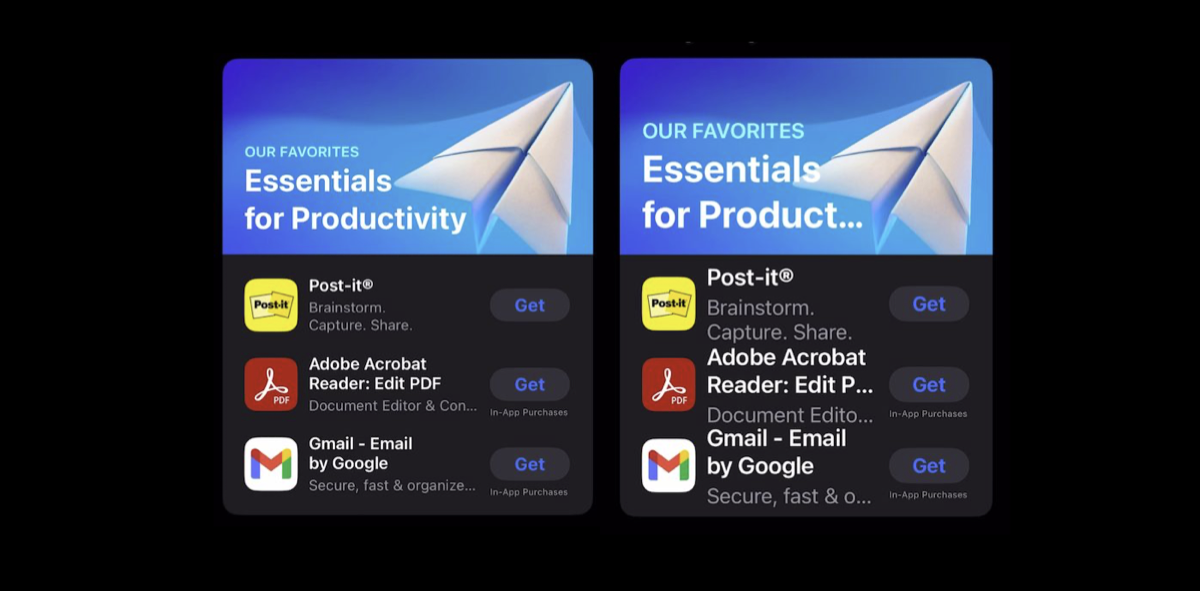
- Truncation: even the App Store cuts "Essentials for Productivity" to "Essentials for Product…" and "Edit PDF" to "Edit P…". The words that carried the meaning are the ones lost.
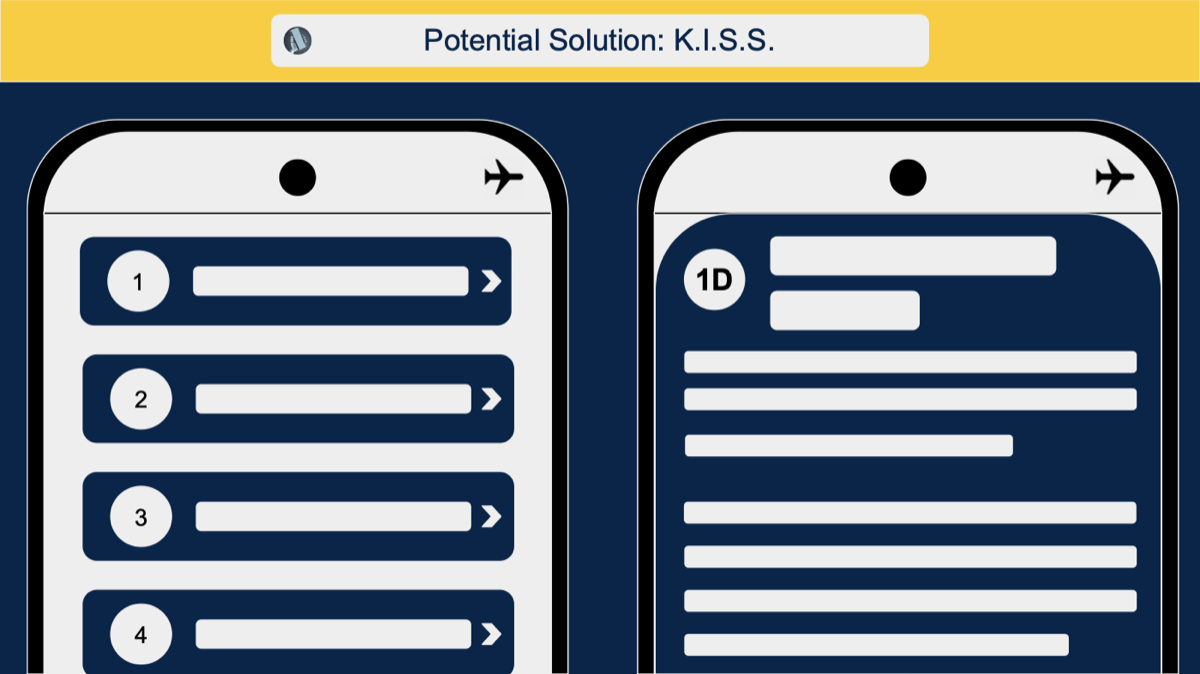
- Lost structure: a tidy list of cards (icon, title, two lines of detail) turns into a wall of text, and nobody can tell where one item ends and the next begins.
- Shrinking targets: the text grows, the icons beside it don't, and the button between them gets squeezed into a target too small to hit.
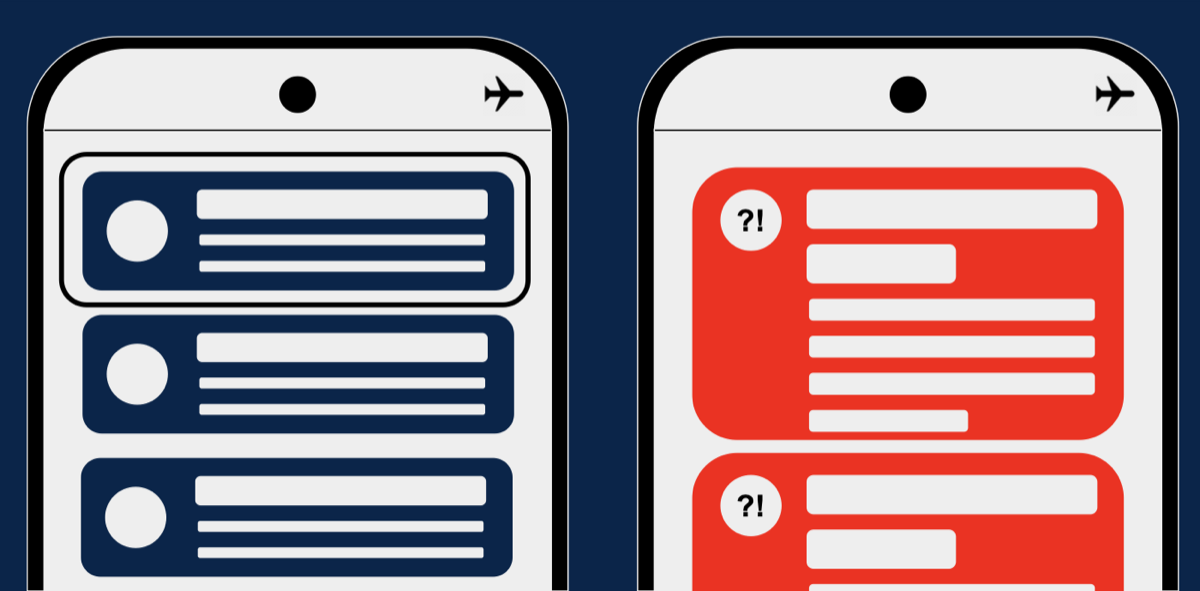
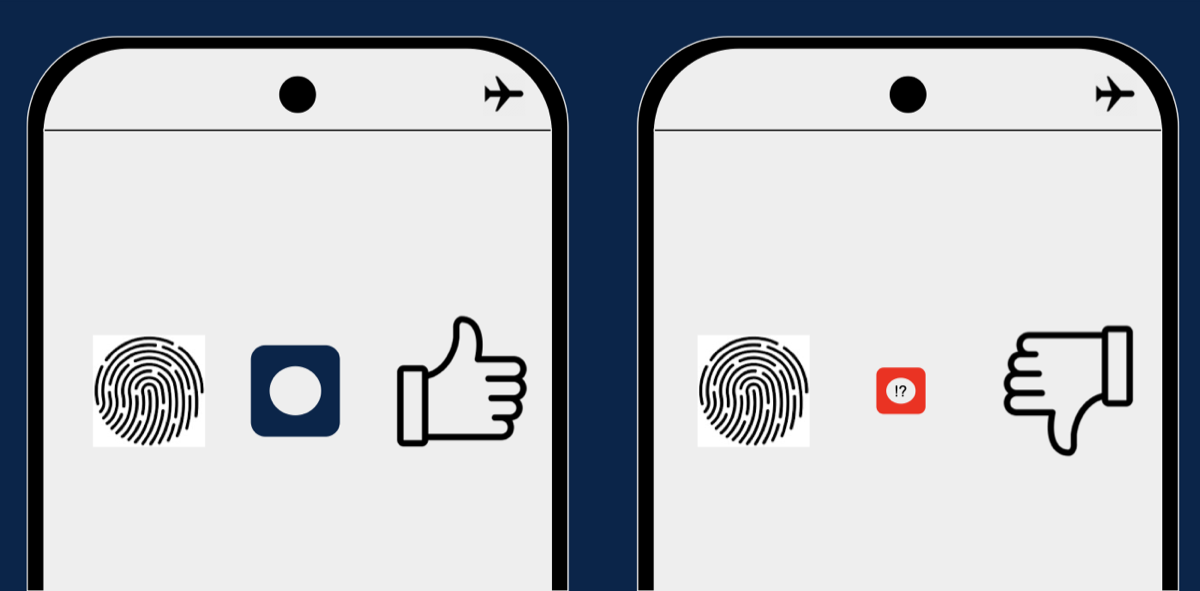
None of these is a bug in the platform. Dynamic Type on iOS and font scale on Android do exactly what they promise. The layout just never planned for it. The next post covers the fixes.